 Retro's Factions
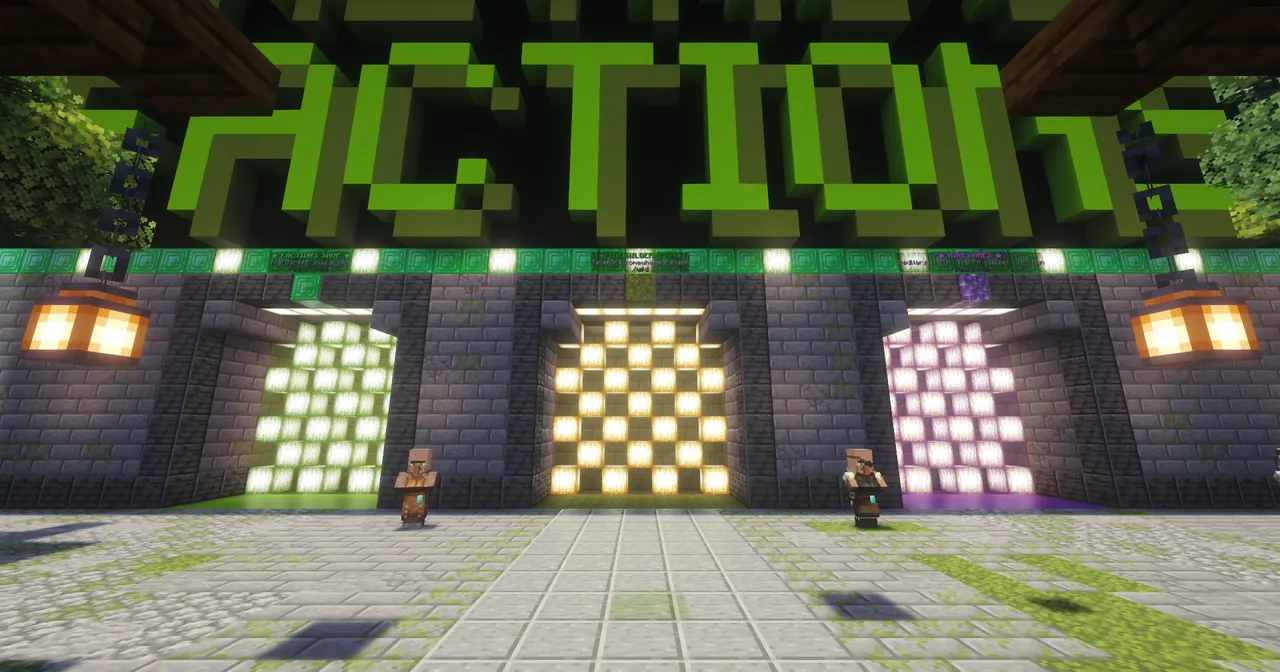
How to join Retro's Factions
The server address is play.retrosfactions.net for both Java and Bedrock. Bedrock also needs port 443.
Join on Java (PC, Mac, Linux)
- Open Minecraft Java Edition. Any version from 1.21.5 to 26.3 works.
- Click Multiplayer, then Add Server.
- Type
Retro's Factionsas the name andplay.retrosfactions.netas the server address. - Click Done, then double-click the server to join.
You need an official Minecraft account. Cracked clients can't join.
Join on Bedrock (phone, tablet, Windows)
- Open Minecraft and tap Play, then the Servers tab.
- Scroll down and tap Add Server.
- Name:
Retro's Factions. Address:play.retrosfactions.net. Port:443. - Tap Save, then tap the server to join.
Use the address play.retrosfactions.net, not a number IP. Bedrock joins through it.
What to do first
New players get a starter kit and the farmer kit when they first join. Type /quests for a checklist that pays $12,000 and a crate key, or follow these steps.
1. Get some land
Go through the Wilderness portal or type /wild. Then /f create <name> and /f claim to claim your first chunk, and grab /kit faction for obsidian, walls, chests and TNT.
2. Start a farm
The farmer kit has a hoe, water, seeds and starter plants. Sell your crops in /shop. You can get the kit again every 3 days with /kit farmer.
3. Rank up
Save up $10,000 and type /rankup to become a Soldier. Every rank gives more homes and a better kit.
4. Bring a friend
Your friend types /referred <your name> when they join. After an hour of play, you get $10,000 and a crate key, and they get $5,000.
5. Find a faction
Look for a faction in the Discord recruitment channel, or start your own and recruit.
6. Read the rules
Raiding is allowed, cheating isn't. The rules are short. You can also type /rules in game.
If you can't connect
Java: "Outdated client" or "Outdated server"
The server takes Java 1.21.5 up to 26.3. Older versions are blocked because their network code is easy to exploit. Pick a newer version in the launcher.
Java: "Failed to verify username"
Restart your launcher and sign in again. The server only accepts official Microsoft accounts.
Bedrock: "Unable to connect to world"
Check the address is play.retrosfactions.net and the port is 443, then update Minecraft to the newest version. Bedrock connects through that address, so a number IP won't work.
The server is restarting
Restarts take about 30 seconds. If it's down longer, check the announcements in the Discord or ask in the help channels there.
See you in game
Questions? Ask in the Discord and someone will help.